Welcome To Steplore
Steplore is an AI-powered platform — a Chrome extension and web app — that turns how people actually use your product into documentation and support, automatically.
Record a workflow once, or point Steplore at your app, and it can turn that into:
- A step-by-step structured guide, with clean screenshots and AI-written titles and descriptions
- An AI-narrated video walkthrough
- A self-service AI chatbot your users can ask questions in plain language, in your app's own language
- In-app visual guidance that highlights the real interface and walks users through it, click by click
No manual formatting. No copy-pasting. No editing tools required.
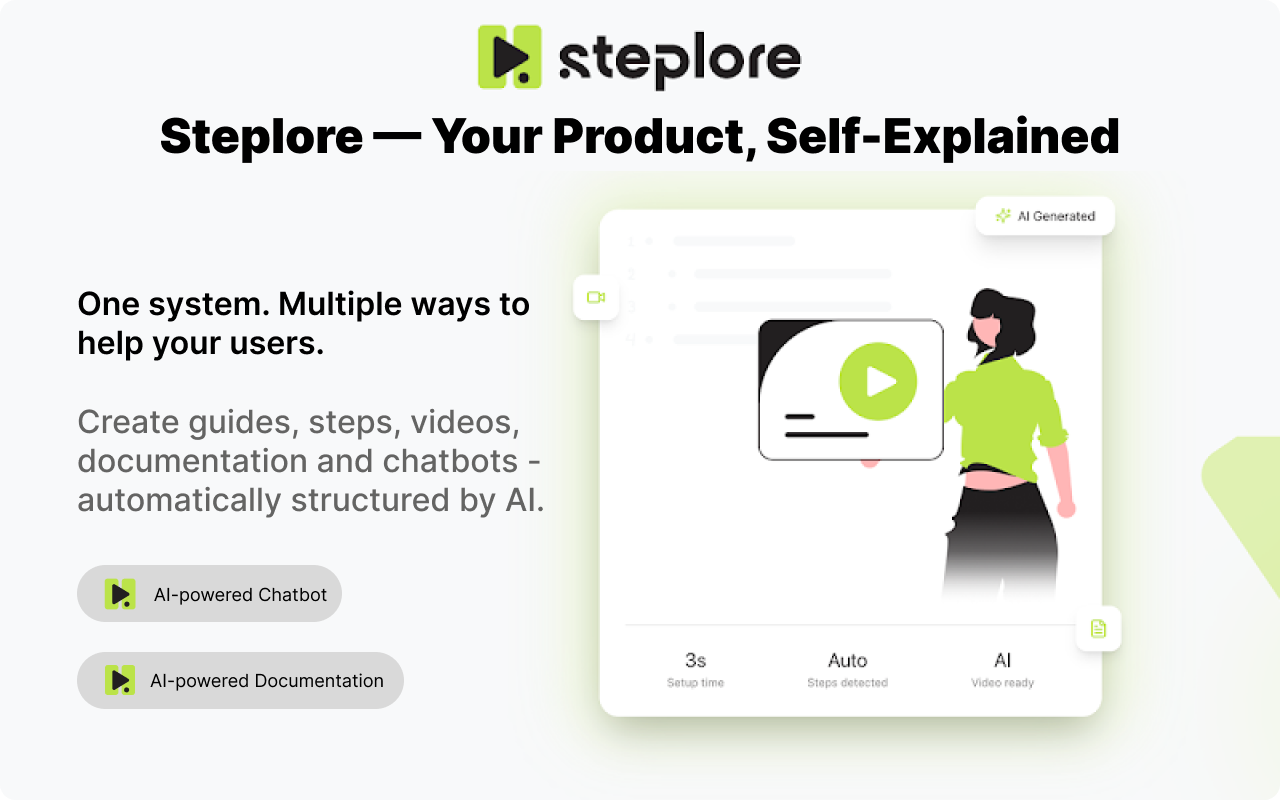
What You Can Build With Steplore
1. Guides & Videos
Record a process once. Steplore captures every click and interaction and automatically generates a structured guide — with screenshots, AI-written titles and descriptions, and an optional narrated video. Guides can be translated into other languages and kept in sync as the original changes.
2. AI Chatbot
Turn your product into a searchable knowledge base. Steplore can automatically scan your app to map every screen and interactive element, and can also build its knowledge from documents you upload, guides you've already created, or specific workflows you record by hand. Users then ask questions in plain language — by typing or by voice — and get step-by-step answers, complete with screenshots.
3. Visual Guidance ("Guide Me")
When an answer isn't enough, Steplore can guide users through the actual steps inside your live application — highlighting the right element, showing an instruction tooltip, and tracking progress until the task is done.
4. Share However You Work
Guides can be shared as a public link, exported to PDF or HTML, pushed to Confluence, or exported raw. Chatbots can be embedded on your website, accessed through the Chrome extension, or joined instantly by ID — no account required.
Built For
- Support Teams
- Product & Engineering
- Operations
- HR & Onboarding
- QA Teams
- Customer Success
- Internal Knowledge Management
- End Customers — via self-service chatbot and in-app guidance
The Outcome
✔ Faster documentation creation ✔ Consistent and standardized guides ✔ Self-service answers that reduce support ticket volume ✔ In-app guidance that resolves "how do I...?" moments on the spot ✔ Reduced repetitive explanations ✔ Faster onboarding and support resolution ✔ Professional documentation and support content without manual effort
Core Features
Guide & Video Creation
Automatic Step Detection - Each interaction is captured and grouped into logical documentation steps.
AI Content Generation - Steplore generates step titles, descriptions, and guide summaries — ensuring clarity and consistency across documentation.
Screenshot Capture - Every step includes a clean visual reference of the UI state.
AI Video Generation - Automatically generate a walkthrough video with voice-over narration based on recorded steps.
AI-Assisted Editing - Refine a step's title or description with AI, or edit and reorder steps by hand — your guide, your wording.
Multi-Language Guides - Choose the language for a guide's written steps and narration when you record it. UI element names from your app (button labels, menu items) are always shown exactly as they appear — never translated.
Translate Existing Guides - Add a translated version of any guide after the fact — written steps, narration, and on-screen callout text are all translated. Screenshots stay untouched. If the original guide is later updated, Steplore flags translated versions so you can re-sync them.
Workflow-Based Documentation - Documentation reflects actual usage — reducing inconsistencies between documentation and product behavior.
Chatbot & Knowledge Base
Automatic App Scanning - Steplore can scan your app to map every screen, interactive element, and navigation path — building a knowledge base without any manual writing. You can scan multiple areas or domains into the same chatbot and refresh the knowledge whenever your app changes.
Multiple Knowledge Sources - Combine scanned app data, uploaded documents, and existing guides into a single chatbot, so it answers from everything you already have.
Custom Flows (coming soon) - Record a specific, high-value workflow by hand and Steplore will prioritize it as the definitive answer whenever a user asks about that task — even if the automatic scan found a different path.
Natural-Language Answers - The chatbot retrieves the relevant knowledge and generates step-by-step answers, with screenshots, in response to plain-language questions — typed or spoken.
Voice Conversations - Enable voice for a chatbot to let users ask questions with a tap-to-talk microphone and hear responses read back, alongside the usual text answers.
Chatbot Behavior & Configuration
Conversational Setup - Configure how your chatbot behaves by chatting with a setup assistant in plain language, instead of editing settings by hand.
Scoped Knowledge - Keep your chatbot's answers focused on your own product knowledge, with the option to extend it with scoped web search for topics beyond your app.
Preview Before Publishing - Test any change to your chatbot's knowledge, behavior, or appearance in a private preview before it goes live to your users.
Appearance - Give your chatbot a display name and profile image that match your brand.
Actions - Let your chatbot trigger forms or API calls during a conversation — for example, submitting a support ticket on the user's behalf.
Chatbot Access & Deployment
Website Embed - Add your chatbot to any website with a copy-paste snippet.
Chrome Extension Access - Let users reach your chatbot directly from the Steplore extension while browsing your app.
Join by ID - Share a simple ID that lets anyone open your chatbot instantly — no account or installation required.
Visual Guidance
- Guide Me Overlay - Highlights the target element, shows an instruction tooltip, and tracks step progress — guiding users through your real product click by click, right from a chatbot answer.
Sharing
Flexible Guide Export - Share guides via public link, PDF, HTML, Confluence, or raw export.
Flexible Chatbot Deployment - Reach users through a website embed, the Chrome extension, or a shareable join ID.
Privacy & Permissions
Recording a guide or video: Steplore records user interactions only during an active recording session. The extension requires access to browser tabs and screenshot capability to capture workflow steps. Recording starts only after explicit user action and stops when the user clicks Stop Recording.
Building a chatbot's knowledge base: scanning an app is triggered explicitly by an admin, who must be logged into the target application. The scan uses the admin's authenticated session to explore the app and capture interactive elements, screenshots, and navigation paths — not personal or transactional data entered by end users.
Voice input: Steplore only accesses your microphone after you tap to talk, and asks for permission the first time. If permission is denied, you can keep using the chatbot by typing.
Account & sign-in: Steplore accounts use Google sign-in, and each user's guides, chatbots, and conversations are kept isolated from other accounts. Chatbots joined by ID don't require an account at all.